You run an owner-led business and the numbers reach you too late to act on. You’re on QuickBooks Online (Xero or Desktop: ask), you pay for more software than anyone uses properly, and too much of the week goes to admin a system should be doing. Most of the people I talk to run jobs: contractors, trades, and firms that bill by the project or the hour. If that’s not you but the problem is, apply anyway and I’ll tell you straight.
For owners who are tired of finding out last
See where your money’s going. Then automate the work behind it.
A WIP schedule, payment schedules and a 13-week cash forecast, built from your QuickBooks and reconciled to your books. Then the admin behind them, automated. Not more dashboards you’ll never open.
Palvo automatesWIP and job costing, the 13-week cash forecast, monthly reporting, invoice chasing, crew and field report review, and quote and estimate drafts.Apply for a free 30-min call
Thirty minutes, free, no pitch. A two-minute form first, so the call is about your business.
We connect to the software you already use. See what we plug into
Measured with our first client: crew-report review cut from 55 to 4 minutes per batch. See the engagement
Connected systems, live
palvo.ai↗
Aidan Chashai
Founder, Palvo
WIP schedule, reconciled to your books
13-week cash forecast
$18,200Week 7 · lowest balance
Palvo in 60 seconds
AI starts paying off where money is already leaking.
Most owners hear “AI” and picture a chatbot. The first win is usually less glamorous and worth more: finished work nobody invoiced, a cash low point nobody saw coming, and a month-end that tells you what happened too late to change it.
- A WIP schedule built from your QuickBooks and your job numbers.
- Payment schedules based on the contract that’s been signed.
- A 13-week cash forecast that shows your low point before you hit it.
- A plain-English report with a video walkthrough, every month.
WIP & job costing
Know what a job is worth while you can still do something about it.
If you run jobs that span a month end, your P&L tells you the company made money last month. It can’t tell you which job made it, or which one is quietly eating it, while there’s still time to act.
We build the work-in-progress schedule that answers it: every open job, reconciled back to your general ledger, so the numbers agree with your own books instead of a spreadsheet built beside them. Job costing sits on top, so you see estimate against actual while the job is still open.
This is probably you if
- The work is going fine and there’s never any cash.
- You only find out a job lost money after it’s finished.
- There’s holdback out there and nobody can give you a date on it.
- Two great months, then a terrible one, and nothing actually changed.
- Profitable on paper, and living on the line of credit.
- The bank or your bonding company has asked for a WIP schedule and you don’t have one.Ours uses cost-to-cost percent complete, reconciled to your ledger, which is what lenders typically ask for. Your CPA reviews it before it goes to them.
Your accounting system. Built on QuickBooks today, with job and crew data pulled from job-management software, monday.com and Google Sheets. On Sage 50, QuickBooks Desktop or a spreadsheet? Say so on the form and I’ll tell you on the call whether the data can come out cleanly, before you spend thirty minutes.
| Job | Contract | Est. total cost | Cost to date | % complete | Earned | Billed | Over / under billed |
|---|---|---|---|---|---|---|---|
| Renovation · Job 1042 | $186,000 | $136,000 | $92,480 | 68% | $126,480 | $98,000 | $28,480 under |
| Patio & retaining wall · Job 1038 | $54,000 | $44,000 | $40,040 | 91% | $49,140 | $49,500 | $360 over |
| Fit-out · Job 1045 | $212,000 | $162,000 | $55,080 | 34% | $72,080 | $80,000 | $7,920 over |
| Stair & rail package · Job 1047 | $96,000 | $74,480 | $38,730 | 52% | $49,920 | $40,000 | $9,920 under |
| Underbilled (asset) | $38,400 | ||||||
| Overbilled (liability) | $8,280 | ||||||
- WIP scheduleEvery open job: contract value, estimated cost, cost to date, percent complete, and earned against billed. Reconciled to your books every month.
- Payment scheduleBuilt from the contract you actually signed, so you bill on the milestones you agreed to instead of whenever someone remembers.
- Job costingEstimate against actual for labour, materials and subs, so you see a job drifting while there’s still time to act on it.
- Underbilled work, flaggedWhen earned revenue runs ahead of what’s been invoiced, it shows up as a dollar figure with a job name on it, like Job 1042’s $28,480 above. Sometimes that’s finished work nobody billed. Sometimes it’s costs that ran ahead of the estimate. Either way you find out this month, not at year-end.
If you bill time instead of jobs
WIP is unbilled hours. We show it by project and by partner, aged, every week, so late billing shows up as a dollar figure with a name on it instead of a year-end write-off. Fixed-fee projects are tracked as percent of fee spent against percent complete.
Example Project 2219 · fixed fee $120,000 · 90% of fee spent · 60% complete · flagged for partner review.
Apply for a free 30-min call
Fixed price, no hourly: a setup fee, then the Month-End Program, billed monthly. Scoped on the call, since no two job lists look the same.
Not tax, not audit, not bookkeeping: that stays with your CPA.
Palvo is not a CPA firm and doesn’t practise public accounting. This isn’t an audit, a review, or a compilation, and it gives no assurance or opinion on your numbers. We read your books. Your CPA keeps them, and we coordinate with them rather than around them: your bookkeeper and accountant get a financial overview built from your books to look over.
Financial overview
Your numbers, explained every month. Not every quarter.
Most owners see real numbers when the accountant sends them, weeks after anything could change. We keep your cash position in front of you all month, and walk you through it in plain English when the month closes.
Example interfaces. Not a client’s data.
13-week cash forecast
See the low point before you hit it.
A rolling forecast built from your previous years’ books, open invoices, the payment schedule on each signed contract, payroll, supplier bills that are due and loan payments. It reflects what’s in your accounting software, so it’s as current as your books are. If your year has a slow season, the low week shows up before you get there.
- Updates as invoices go out and payments land.
- Shows the week cash runs lowest, and by how much.
Monthly report + video
A report you’ll actually read, and a video that walks you through it.
Every month: what came in, what went out, what changed over the last three to six months and what needs a decision, written in plain English. A short narrated video walks through it, so the numbers get explained instead of just shown.
- Every month, not every quarter, so there’s still time to act.
- One live screen for cash, receivables, payables and profit in between.
Apply for a free 30-min call
Thirty minutes to see what this would look like on your numbers.
Start here
Start with a conversation, not an invoice.
Thirty minutes. Free. No card.
Tell me how the business actually runs: where the week goes, what your software does and doesn’t do, what you find out too late. I’ll tell you straight whether there’s something worth building, and what it would pay back.
It starts with a two-minute application. I read every one myself and reply within one business day. If it’s a fit, I send a link with the times I’m free, shown in Pacific time, and you pick one. If it isn’t, I’ll tell you why instead of using up your half hour.
Apply for a free 30-min call
Video or phone, your choice. Bring whoever knows the day-to-day.
Who this is for
Built for the owner doing month-end at 9pm.
You’re pre-revenue, you want a chatbot on your website, or you want your software replaced rather than connected. Or you sell products rather than jobs or time: I haven’t built for a product business yet, and I’d rather say so here than three weeks in.
Proof
What we built for our first client.
A real engagement, completed 2026, for a landscaping company, with an office and crews in the field.
Live oversight
Monthly reporting went from hours to minutes.
Month-end used to be an afternoon of spreadsheet archaeology. Now it runs itself, and the owner watches a short narrated video of the numbers instead of digging through rows.
- Daily field reports are read and graded automatically before the office opens, so nobody has to skim crew updates one by one.
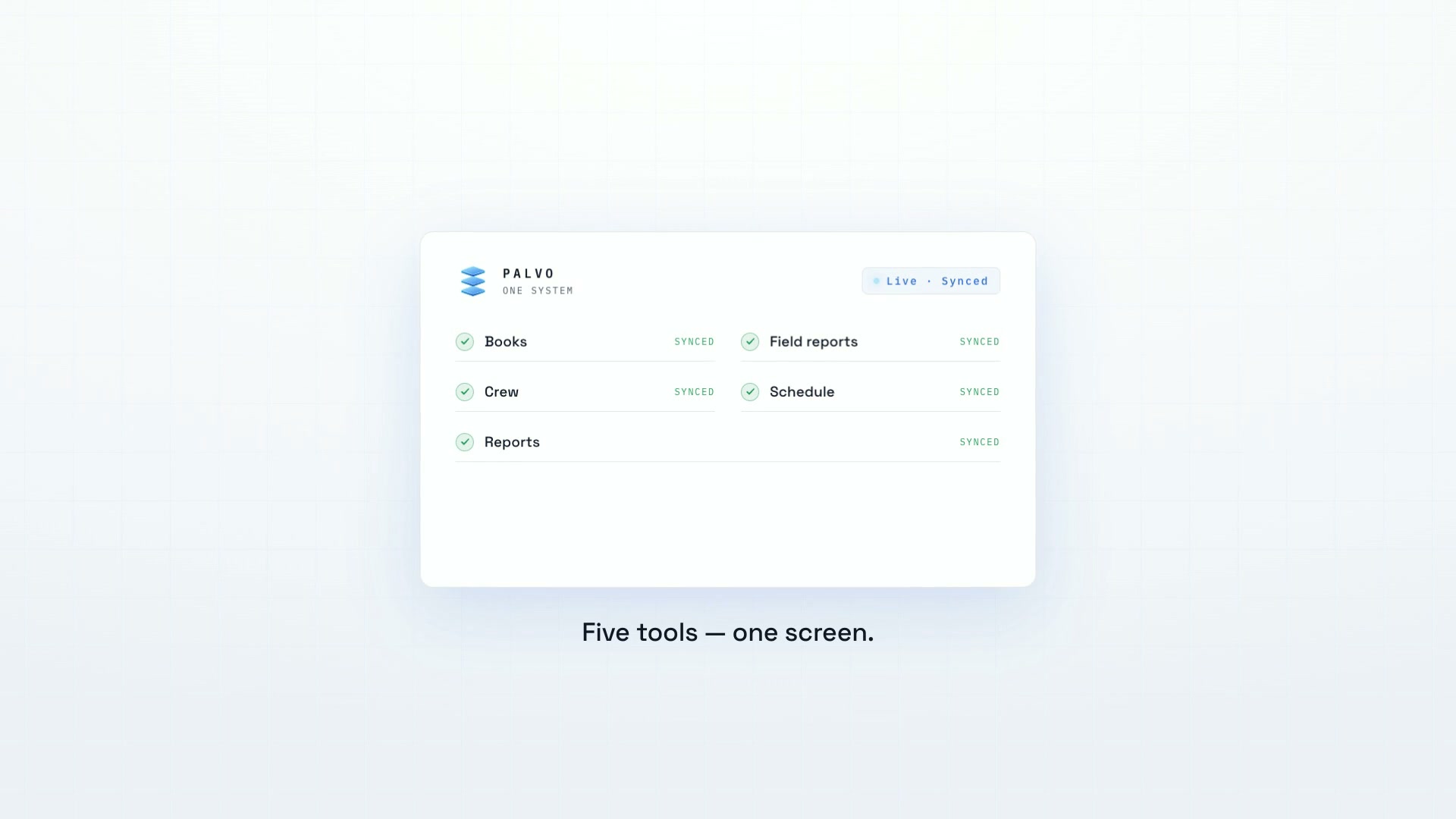
- Office and field run in one system, so nothing falls between a spreadsheet and a text message.
- Before
Month-end meant an afternoon in spreadsheets. Crew reports piled up in a feed nobody had time to read. The office knew where the money went weeks after it mattered.
- The build
A live dashboard over the company’s existing systems, a narrated monthly video of the numbers, and an automated reader that grades every field report overnight. Built in stages, each one approved before the next started.
- After
The owner opens one screen instead of five spreadsheets. Reporting that took hours runs in minutes. Field reports are reviewed before the office opens.
Systems delivered
Tested end to end, handed over documented.
- Live cash & job dashboard
- Narrated monthly video report
- Automated field-report grading
- Office and field in one system
Every system was handed over documented, and the owner runs it without us.
Services
We build the systems. Your team runs them, and they run the work that used to eat your week.
Every interface shown in this section is an example build. Not a client’s data.
Operations & admin
Give your best people their week back.
We automate the repetitive internal processes your team does by hand and connect the parts of your business that don’t talk to each other. Nobody loses a job over it. Your team gets the hours back, and there are fewer errors.
- Runs on a schedule and reports itself, so nobody has to remember to check.
- Every automation is tested end to end and handed over documented.
Web design
A website that brings in work, then hands it straight to your systems.
Most small-business sites are a template someone set up years ago: slow on a phone, vague about what you do, with a contact form that lands in an inbox nobody checks. We design and build custom sites that say plainly what you do and who it’s for, and send every enquiry into the systems you already run.
Example interfaces. Not a client’s data.
Design & build
Designed for your business, not picked from a theme.
Every page is designed around your customers and the one thing you want them to do: call, book or ask for a quote. It’s coded by hand, so it’s quick on a phone and nothing like the competitor’s site down the road.
- Built for the phone first, then checked on every screen size.
- Contrast and keyboard access checked to WCAG AA before it goes live.
- You own the design and the code outright.
Connected
Every enquiry lands where your team already works.
This is where the site meets everything else we build. An enquiry is logged in your CRM, answered within minutes and followed up until they book or say no, instead of sitting in a shared inbox until Monday.
- Quote requests ask for the details you need to price the job.
- Cookieless analytics, so you see which pages bring enquiries in.
Apply for a free 30-min call
You’re looking at one: we designed and built palvo.ai the same way. Tick “our website doesn’t bring in work” on the form.
In practice
If your team does it every week, it’s a candidate.
Tap any one to see what the automation does.
- Automation
Monthly reporting
- WhenThe month closes in QuickBooks or Xero.
- What runsThe numbers are pulled, compared to last month and to plan, and written up in plain English.
- You getA short report in your inbox, with a narrated video walkthrough if you want one.
- Automation
Invoice chasing
- WhenAn invoice passes its due date.
- What runsA polite reminder goes out from your own email, follows up on a schedule you set, and stops the moment payment lands.
- You getA weekly list of who’s late and by how much, without anyone making the awkward call.
- Automation
Crew & field report review
- WhenYour crew submits daily reports.
- What runsEvery report is read overnight, checked against the job, and flagged for missing details, safety notes or overruns.
- You getA short list of what needs you, ready before the office opens.
- Automation
Lead follow-up
- WhenAn enquiry comes in from your site, an ad or email.
- What runsIt’s logged in your CRM, answered within minutes, and followed up until they book or say no.
- You getNo lead goes cold because everyone was busy that week.
- Automation
Quote & estimate drafts
- WhenA request or site visit comes in.
- What runsNotes and measurements are turned into a draft using your past jobs and current pricing.
- You getA draft quote ready to check and send. You still approve every number.
- Automation
Data entry between systems
- WhenA record changes in one system: a job, a sale, a timesheet.
- What runsThe same change is made in every other system that needs it, with checks along the way.
- You getOne entry instead of three, and no copy-paste mistakes.
- Automation
Email triage
- WhenMail lands in a shared inbox.
- What runsEach message is sorted by type, sent to the right person, and routine replies are drafted.
- You getAn inbox where the urgent ones are already on top.
- Automation
Receipt & expense sorting
- WhenA receipt is photographed or emailed in.
- What runsVendor, amount and tax are read off it, coded to the right account and job, and attached in your books.
- You getExpenses filed as they happen, not in a pile at month-end.
- Automation
Scheduling & dispatch
- WhenA job is booked or a day changes.
- What runsCrew, equipment and travel are matched, conflicts are flagged, and everyone gets the updated schedule.
- You getFewer phone calls the night before.
- Automation
Document processing
- WhenA contract, form or PDF arrives.
- What runsKey details like dates, amounts, parties and terms are pulled out and filed where they belong.
- You getSearchable records instead of a folder of PDFs.
Some of these take an afternoon to automate. Others take a build. The free call tells you which is which.
Your data
Straight answers about where your data goes.
- 01Where it runs
Your systems stay the system of record
Your files stay in your own accounts: your QuickBooks, your Google Drive, your job software. Photos and documents don’t leave them unless you say so. The figures a dashboard or forecast needs are held in an access-locked database (hosted on Supabase, which may store data in the United States), and the privacy policy says exactly what, for how long, and who can read it.
- 02What we disclose
AI, disclosed in writing
When a workflow needs an AI model, text runs through Anthropic’s Claude, a provider that doesn’t train on your data. Before we build anything, you get in writing exactly which data touches a model and which never does.
- 03How we connect
Read-only until you say otherwise
We connect to your tools with the minimum access the job needs, which means read-only by default. All of it follows Canadian privacy law (PIPEDA).
Compatibility
We connect to the software you already use.
The systems we’ve pulled data from so far, plus the job software owners ask about most. If yours isn’t here, name it on the form and I’ll check what its export or API allows before the call. You keep the tools you have.
- QuickBooks
- Xero
- monday.com
- Google Sheets & Forms
- Gmail
- Buildertrend
- Jobber
The fine print, in plain language: our privacy policy.
Process
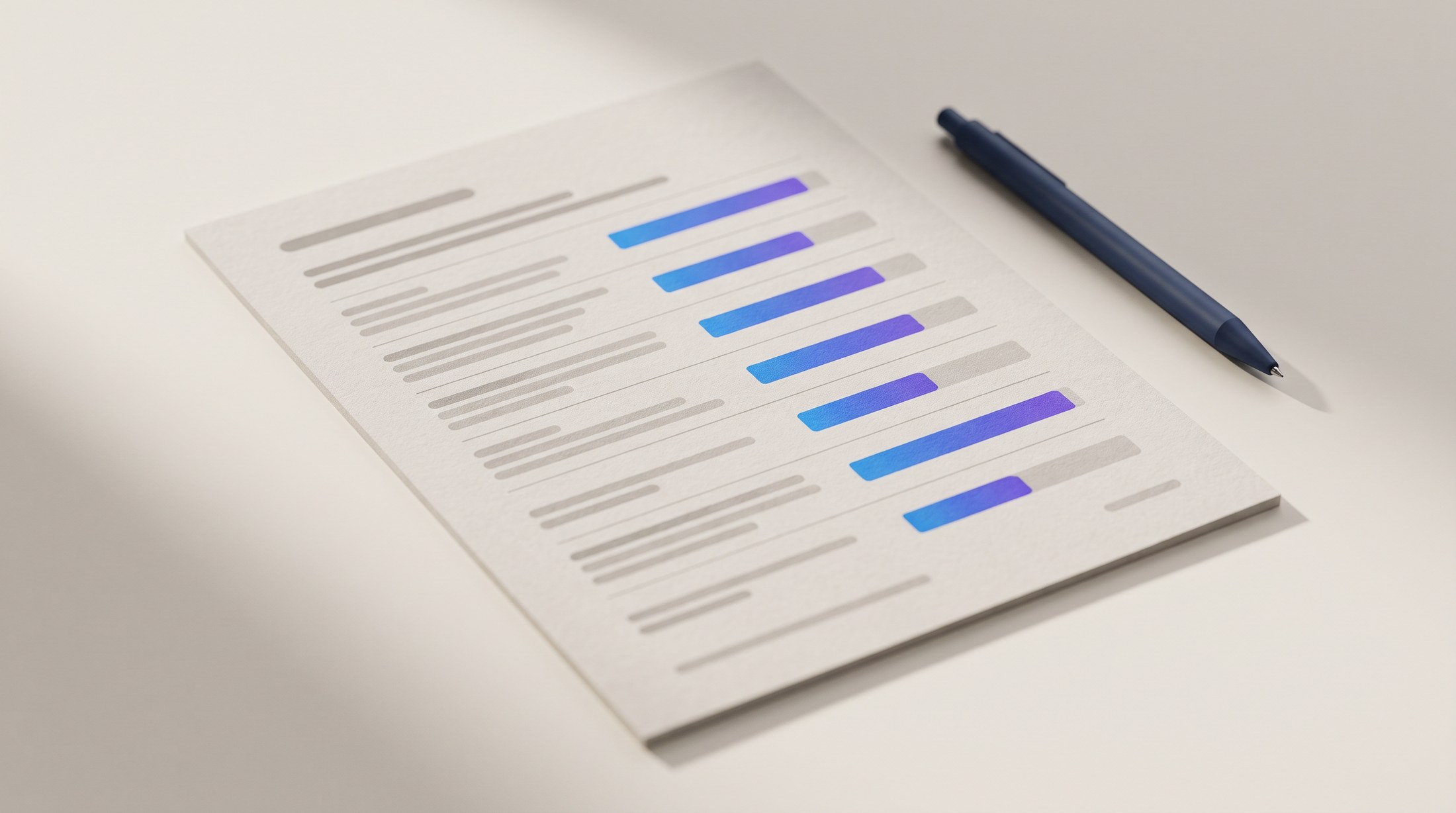
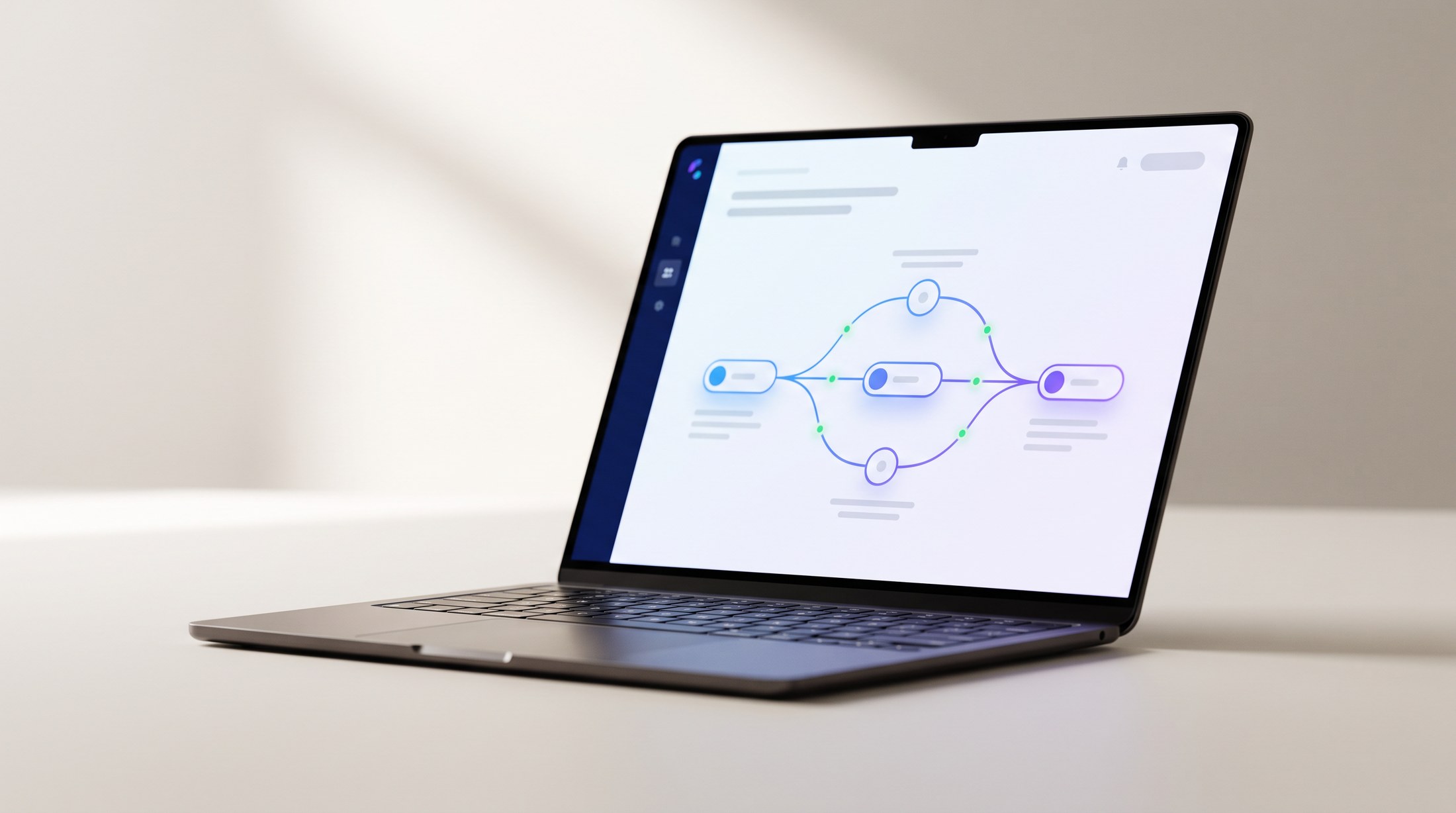
We find the leak, build the fix, and repair anything that breaks for 30 days.

About
About Palvo.
- Founder, PalvoVictoria, BC
- Senior AI Business Transformation AnalystA company in Ontario
- Finance degreeCamosun College
Who you’re actually hiring.
I’m Aidan Chashai. I founded Palvo in Victoria, BC, and I work as a Senior AI Business Transformation Analyst for a company in Ontario.
I have a finance degree from Camosun College and I build the systems myself. There’s no account manager between you and the person writing the code. That combination is the whole point. Plenty of people can automate a workflow. Far fewer can look at your P&L and tell you which workflow is actually costing you money.
When you get on a call, you talk to me. Not a sales rep, not an account manager.
Palvo is a side business alongside my full-time role, and I say so because you’ll want to know who answers when something breaks. Builds are scheduled around that, support messages get a reply within one business day, and everything is handed over documented so your own IT person can work from it.
FAQ
Questions owners actually ask.
What does this cost?+
The first call is free: thirty minutes, no card. If there’s something worth building, you get a proposal with fixed prices before any work starts: a fixed setup fee to connect to your software and learn how the business runs, then the build, which is a one-time price or the Month-End Program, billed monthly. WIP and job-costing work is the setup fee plus the Month-End Program. Every build is scoped to the business, so there’s no price list here. We don’t bill hourly, so the number in the proposal is the number. Running it afterwards is the Month-End Program, scoped with the build; what it covers is under Process, step 04. There’s no price list for that either, for the same reason.
How long does a build take?+
Every proposal includes a timeline. Most first builds ship within two to four weeks of sign-off. We build in stages, so you see working pieces early instead of waiting for a big reveal.
What happens to my data?+
Your files stay in your own accounts, and we connect with the minimum access the job needs, which means read-only by default. Before we build anything, you get in writing exactly which data touches an AI model and which never does. The Your Data section above has the details.
Why is there a form before the call?+
So the call is useful. Two minutes of answers means I show up already knowing your software, your size and what’s bothering you, and we spend the thirty minutes on your business instead of on background. It also lets me tell you up front if it isn’t a fit.
Who will I actually talk to?+
Me, Aidan. I read the applications, take the calls and build the systems. There’s no sales team in between.
Do I have to replace the software I already pay for?+
No. We build around the tools you already pay for and connect the ones that don’t talk to each other. Replacing software is a last resort.
What do you need from me to get started?+
Access to the data the build runs on, read-only by default, and a walk through the tasks your office still does by hand. We cover most of that on the call. On your side it is usually one working session to share logins and connect your software, as long as the logins are ready. The cleaner the data going in, the better the result.
What happens after handoff?+
Every system is tested end to end and handed over documented: what it does, how it runs, and what to check if something looks off. You own the code and the documentation outright. The Month-End Program is what keeps it hosted, monitored and current; what it covers is under Process, step 04. If you stop the program, I hand the system over for you to run and maintain yourselves.
Is this worth it for a small team?+
That’s exactly who it’s for. Automation used to pay off only at enterprise scale, and that changed. If repetitive admin eats hours of your week, the free call will tell you whether there’s a return worth chasing.
Does this mean laying people off?+
Almost never, and it’s not what we sell. The return we’re after is hours back for people who are already too busy: the office manager spending Fridays on invoices, the owner doing month-end at 9pm. In our first engagement that meant the owner stopped doing month-end by hand and the office stopped reading crew reports one by one. If your plan is to cut headcount, we’re probably not the right fit. The return we’re good at is getting your existing team out of work that shouldn’t be done by hand.
What if something breaks after handover?+
Everything is documented at handoff: what it does, how it runs, and what to check when something looks off. If something we built breaks in the first 30 days after handover, I fix it free. After that, the Month-End Program covers monitoring and fixes, so there’s no quote per fix and nobody has to chase me.
You have a day job. What happens if you’re unavailable?+
Palvo is a side business alongside my full-time role. Builds are scheduled around that and you’ll know the timeline before you sign off. Support messages get a reply within one business day, and everything is handed over documented so your own IT person can work from it if I’m not reachable.
I’m not on QuickBooks or Xero. Is this still for me?+
Possibly. Everything so far is built on QuickBooks. If you’re on Sage 50, QuickBooks Desktop or a spreadsheet, say so on the form and I’ll check how cleanly the data comes out before the call, so the thirty minutes isn’t spent finding out.
Does this work with my job or field software?+
It depends on what that software exports. So far I’ve pulled data from job-management software, monday.com and Google Sheets and Forms. For Buildertrend, Jobber, BQE Core or anything else, tell me on the form and I’ll check what the export or API allows before the call. I won’t tell you “usually yes” about the one system that matters.
Will my bank or bonding company accept the WIP schedule?+
The schedule is reconciled to your general ledger and uses cost-to-cost percent complete, which is what lenders typically ask for. It isn’t an audit or a review: your CPA reviews it before it goes to a lender, and I coordinate with them.
Who am I contracting with, and are you insured?+
You contract with me, Aidan Chashai, operating as Palvo, a sole proprietorship in BC. I don’t carry professional liability insurance yet; if your business requires it, say so on the form and we’ll talk about it on the call. I’ll sign your NDA: send it with your application or bring it to the call.
Does this work for product or e-commerce businesses?+
Not yet. The forecast and the monthly report would carry over, but I haven’t built for a product business and I’d rather say so than find out together.